Link Your GitDailies User and Slack User
After the GitDailies App for Slack is installed, you can link your GitDailies user account and your Slack user account.
Linking your GitDailies and Slack user accounts lets you receive Private Alerts and Personal Daily Summaries via Slack DM.
Also, when your user accounts are linked, GitDailies can @mention you by Slack username if you’re mentioned in an alert posted to a shared channel. (e.g. if a PR is waiting for your review.) This makes the alert notification appear in your Slack ‘Activity’ Tab.
Linking Your Accounts
To link your User Accounts, first navigate to the GitDailies App in Slack: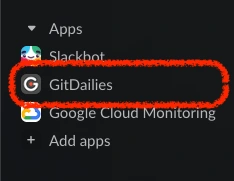
The GitDailies App in Slack will send you a DM with a button titled “Connect GitDailies account”. Click on this button.

You will be redirected to GitDailies.com (if you’re not already logged in, you will be prompted to do so). You see confirmation at GitDailies.com that the accounts were linked:
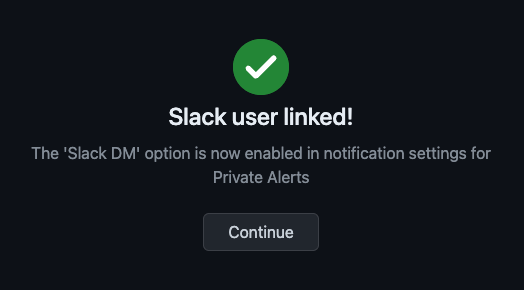
You can now choose the Slack DM option when setting up notifications for Private Alerts or Personal Daily Summaries. You will also be @mentioned by Slack username if you’re mentioned in an alert notification sent to a shared channel.